You installed it for peace of mind. It promised 24/7 monitoring, encrypted cloud storage, motion alerts, the works. Your smart home camera was supposed to be the watchful eye that never blinks. But here’s an unsettling thought: what if someone else is watching through it too?
The shocking truth about smart camera security is that these devices, often seen as guardians of our homes, are not as hack-proof as many believe. Their constant internet connectivity exposes them to cyberattacks that can compromise both privacy and safety. And the numbers are staggering. SonicWall’s 2025 Cyber Threat Report found that IoT attacks went up 124% in 2024, a sign that smart devices are drawing more and more attention from cybercriminals.
Most people never realize something is wrong until it’s too late. So let’s change that.
Red Flag #1: Your Camera Is Moving on Its Own

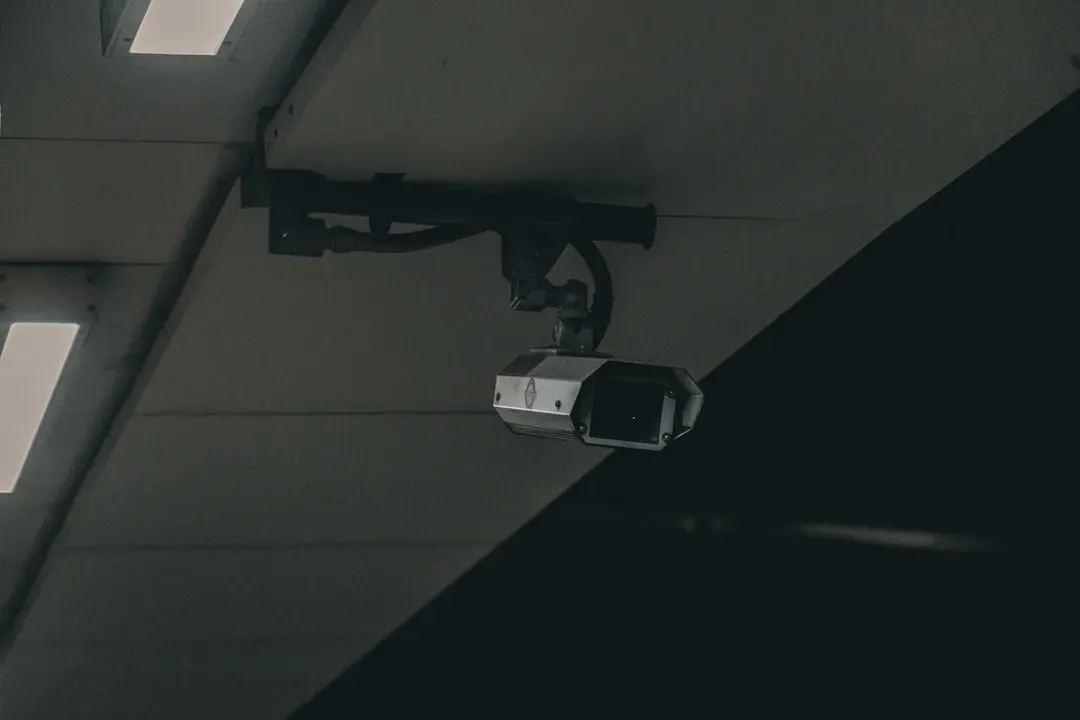
This one sounds like something out of a horror film, but it’s very real. If you notice unusual activity on your camera, such as it moving or panning without your input, it could be a sign that someone else is controlling it remotely. It’s not a ghost. It’s likely a person sitting somewhere far away, testing their access to your home.
If your security camera has been hacked, its LED lights may blink, settings may change unexpectedly, or it might move on its own. While it’s true that sometimes these occurrences are nothing more than a software bug, it might be a hacker testing their control or attempting to spy through your smart home devices.
The signs won’t always be obvious. You may notice subtle things like your camera shifting without you doing anything or a device randomly rebooting, or unfamiliar settings in your apps. While it’s easy to brush off these strange behaviors as harmless glitches, a hacker could be working behind the scenes to probe your system. Honestly, that’s the scariest part. It starts quietly.
Red Flag #2: Strange Voices or Sounds Coming from Your Camera
Here’s something that sends a genuine chill down people’s spines. Security cameras like IP cameras, baby monitors, or surveillance cameras should be silenced if you don’t use the speaker. In rare cases, if hackers gain unauthorized access to the microphone of your security camera to eavesdrop or transmit audio, you may notice some unfamiliar voices or conversations from the area monitored by your camera. This sign could indicate that your security camera has been hacked.
Even baby monitors have been hacked, allowing strangers to watch or talk through the camera as if they were in the room. Think about that for a moment. A complete stranger, communicating through a device you bought to protect your family.
Hackers may use compromised devices to eavesdrop or communicate with household members, which poses serious privacy concerns. Smart speakers and voice-activated assistants have become commonplace in many households. If you start hearing unfamiliar voices or strange sounds from these devices, it’s a red flag.
Red Flag #3: Your Account Settings Were Changed Without Your Knowledge

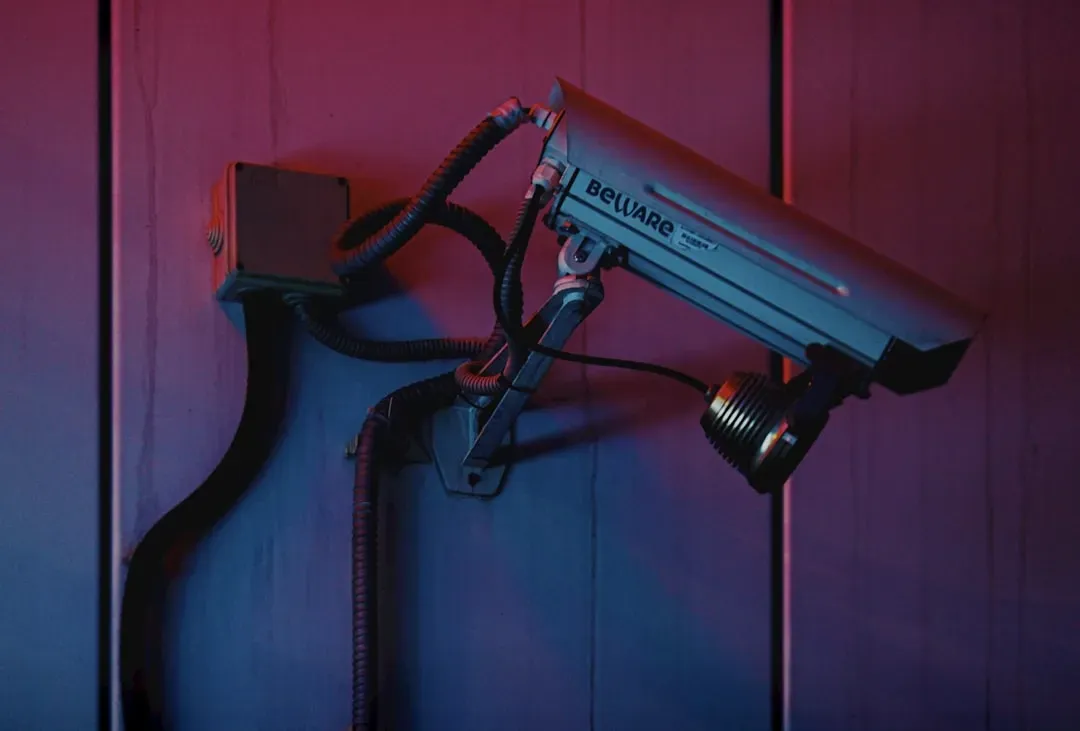
Let’s be real, nobody accidentally changes their own camera’s motion sensitivity or angle preferences in the middle of the night. Smart devices offer customizable settings to cater to individual preferences. If you notice unauthorized changes to these settings such as alterations in camera angles, sensor sensitivity, or device preferences, there’s a high likelihood that a hacker has compromised your device.
Just like on a smartphone or banking app, if you receive a notification about a password change on one of your smart home devices that you didn’t initiate, that should set off alarm bells. New device pairings or finding yourself locked out of your smart home account are also cause for concern. These things aren’t random. Hackers often alter settings or credentials to lock you out so they can take control of your devices.
If you notice that the camera’s settings have been changed or that the video feed is being redirected to an unfamiliar location, it could be a sign that the camera has been hacked. Check your app history regularly. It takes two minutes and could reveal something critical.
Red Flag #4: Unexplained Spikes in Network Traffic or Data Usage
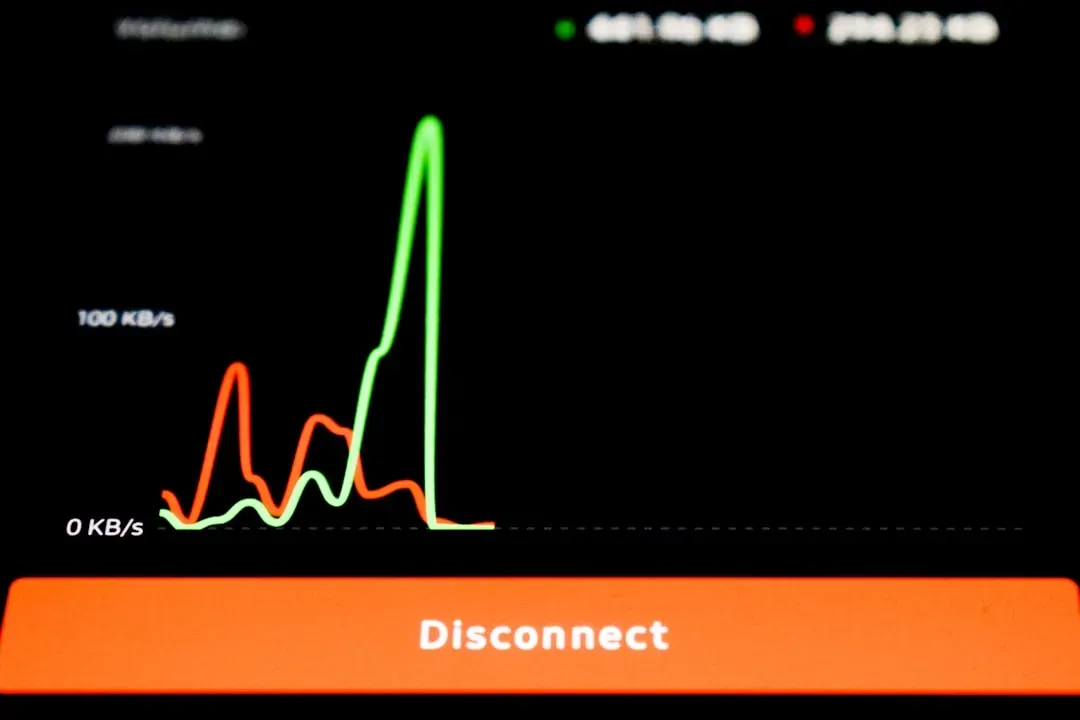
Your camera streams a predictable amount of data. It has a rhythm, a pattern. When that pattern breaks, something is wrong. Typically, your security camera’s data usage should follow a similar pattern every day. If there are sudden spikes in your network traffic, that may indicate that your security camera has been hacked.
Early warning signs could be a spike in data usage at odd hours or device names you don’t recognize listed in your network’s dashboard. These things are easy to overlook, but they could be a signal that a bad actor has gained access to your network or has deployed bots to quietly exploit your smart devices.
If one of your smart devices suddenly starts to consume more bandwidth than usual, you might be part of a botnet sending data or participating in attacks. Think of it like finding your car has used a full tank of gas overnight, without you going anywhere. Something moved. Something ran. If your camera is connected to a network or app, check for indicators such as an increase in data usage or active user sessions that aren’t initiated by you.
Red Flag #5: Your Camera Goes Offline Repeatedly for No Reason

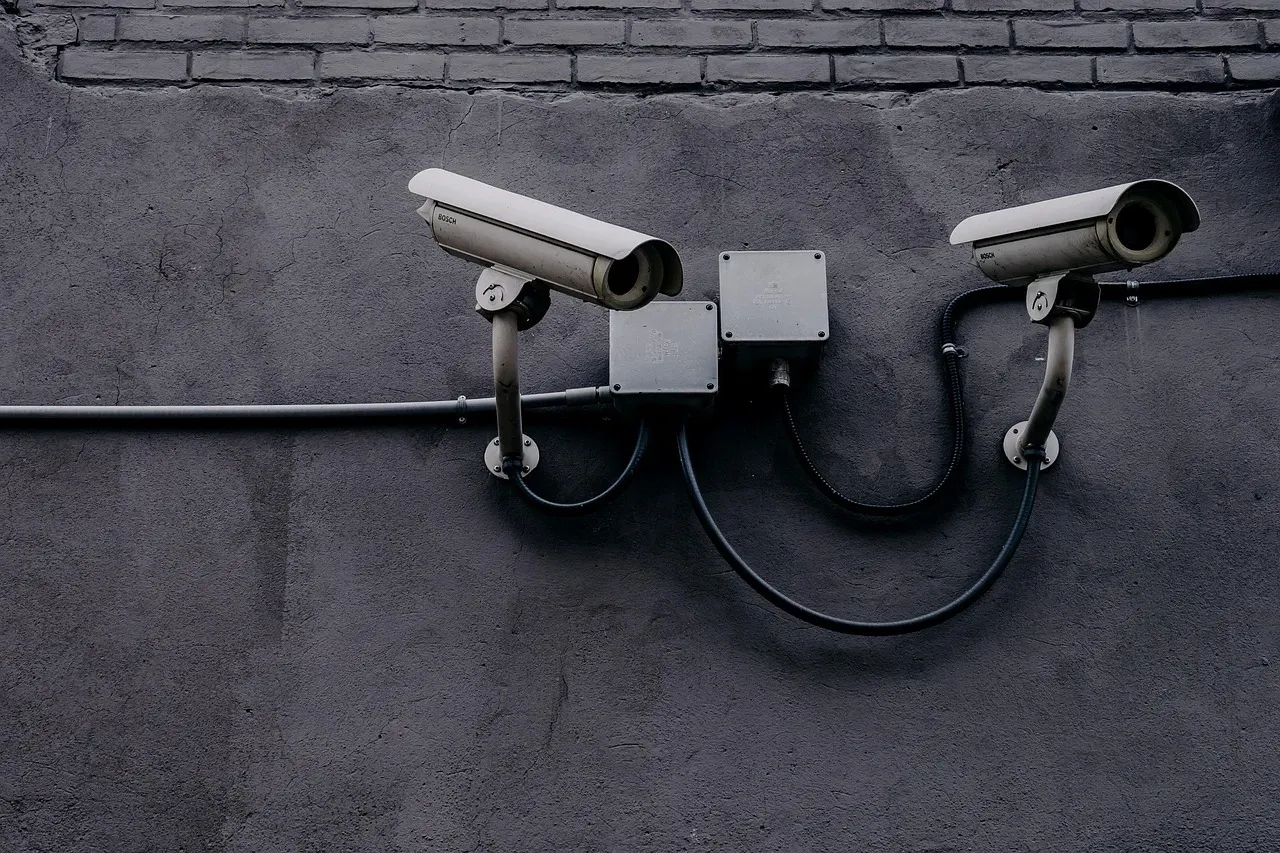
A camera that cuts out randomly is annoying. A camera that keeps cutting out? That’s a red flag worth taking seriously. If the camera suddenly stops working or goes offline without any explanation, and you are unable to reconnect it while it is not responding to troubleshooting efforts, it could be a sign that it has been hacked.
Hackers can access non-secure devices to get onto people’s home networks and other devices, from phones to computers to TVs to speakers and garage door openers. Attackers can potentially obtain sensitive information about the device’s owners, and they can also take over the smart gadgets by speaking through the devices, stealing footage and recordings, or flickering the lights.
It’s a classic attacker move. Disable the camera just long enough to get in undetected, then bring it back online. If cybercriminals gain access through a backdoor or other weak point, they can control a camera, watch a feed, or use it as an entry point to get into other devices or databases on the same network. Cyber attackers can also install malware that can be used to take control of the device at a later time.
Why This Is Happening at Such Scale in 2026
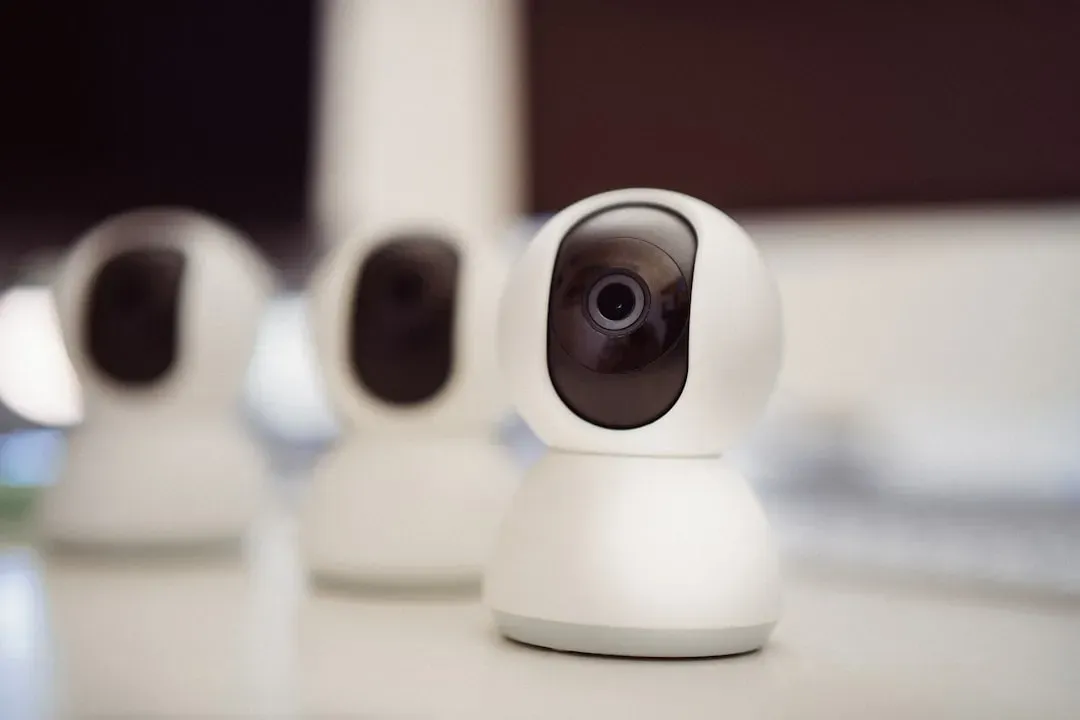
The average household now contains 14 to 22 connected devices, and smart home cyber attacks have surged to an alarming 29 attempts per household daily in 2026. With over 21 to 24 billion IoT devices deployed globally, cybercriminals have turned residential networks into high-value targets.
In 2024, Check Point Research observed an average of 70 IoT attacks per company per week in Europe, the highest globally. Half of all IoT devices carry critical vulnerabilities hackers could exploit immediately. Your home is no longer off the radar.
A 2024 joint advisory from the NSA and FBI revealed that China-linked groups built a massive global botnet exceeding 260,000 compromised IoT devices and home-office routers, using it to mask their identities and enable attacks on strategic targets. Your camera could be an unknowing participant in something far larger than a simple privacy breach.
The Default Password Problem Is Worse Than You Think
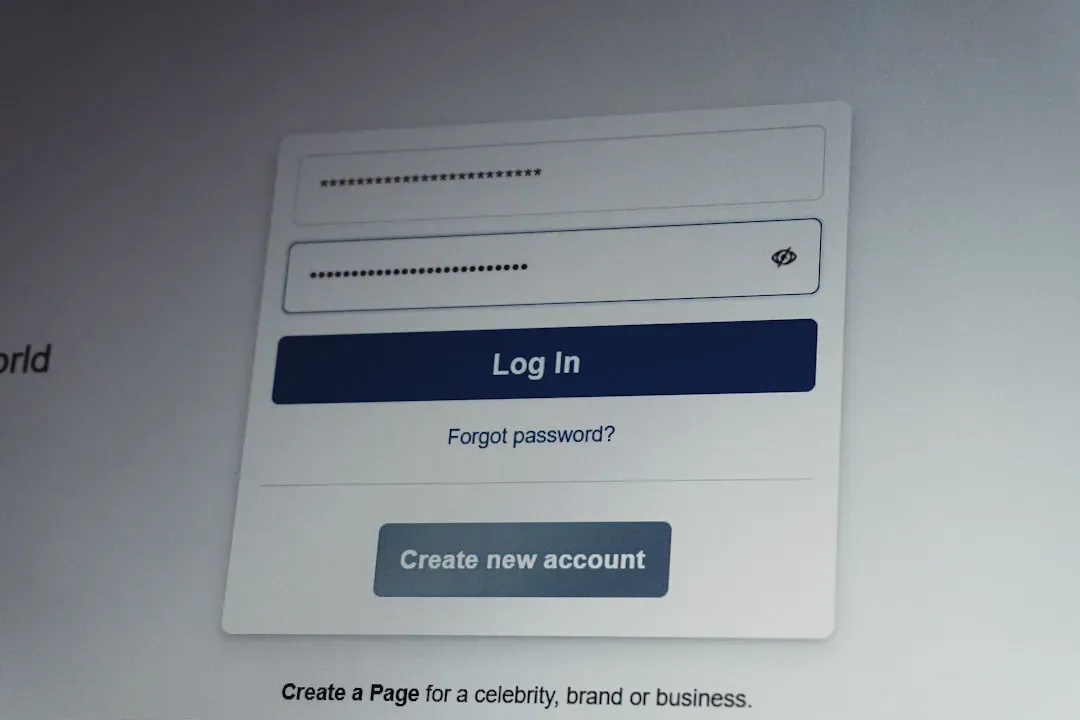
Despite years of warnings, weak passwords remain the most exploited vulnerability in smart home security. Manufacturers ship devices with generic credentials like “admin/admin” or “1234” to simplify setup. Hackers maintain comprehensive databases of these default passwords, allowing them to breach devices in seconds.
About one in five IoT devices still ships with default passwords, essentially leaving the front door unlocked for attackers. Basic password hygiene is often lacking, and some devices cannot even be updated or configured to improve security.
A family in Portland discovered their smart camera had been accessed by strangers who watched their daily routines for weeks before attempting a burglary. The camera used its default password, making the hack trivially easy. It’s hard to say for sure whether changing a password feels like enough. But in this case, it literally could have prevented a break-in.
Cheap Cameras Are a Bigger Risk Than You Realize

The problem is much bigger than one company. Less than two weeks after the Wyze incident, a Consumer Reports investigation found a series of cheaply made smart doorbells sold on Amazon, Walmart, Sears, Shein and other popular retailers had security flaws, allowing bad actors to easily hack into the systems to gain access to photos and footage stored on the app.
Cheap smart devices often have weaker security, making them prime targets for hackers. Many budget devices skip encryption, allowing hackers to intercept data. Some use hard-coded passwords, the same for all devices, making mass hacking easy.
Networks of compromised cameras, DVRs, and routers are now responsible for an estimated 35% of all DDoS attacks on the internet. These botnets, built from malware like Mirai and its many variants, can unleash disruptive floods of traffic at scales previously unseen. Your bargain camera might be doing more than just watching your living room.
Unpatched Firmware Is a Silent Open Door
Roughly 60% of IoT-related breaches stem from unpatched firmware or outdated software on devices. Manufacturers frequently push devices to market and then provide infrequent updates, if any, leaving known vulnerabilities exposed.
In 2025, a critical vulnerability in popular smart doorbell firmware allowed attackers to unlock doors remotely. The manufacturer released a patch, but roughly two thirds of affected devices remained unpatched six months later because users didn’t know updates were available.
Smart cameras without encryption are particularly dangerous. Hackers have created entire websites showcasing thousands of unsecured camera feeds from homes, baby nurseries, and bedrooms. Victims have no idea they’re being watched. Updating firmware takes five minutes. Being watched without your knowledge is something you can’t undo.
What You Should Do Right Now
I know it sounds overwhelming, but the protective steps here are straightforward. Disconnect the camera from the network to prevent further unauthorized access, and change the passwords for both the camera itself and any associated accounts immediately. That alone addresses the most common attack vector.
You can check if you have a hacked IP camera by monitoring for unusual behaviors such as unexpected repositioning, strange noises, or unauthorized changes to settings. Regularly review the login history in the camera’s app, update firmware, and change passwords for a secure network.
No smart home security camera can be considered entirely hack-proof. Even devices with advanced encryption and rigorous authentication protocols cannot guarantee absolute immunity from cyberattacks. Sophisticated hackers continuously develop new methods to breach security. Still, knowing what to look for puts you miles ahead of most people. The camera watching your home should answer only to you.
What would you do if you found out someone had been watching through your camera for weeks? Let us know in the comments.