


Most of us got a library card once, used it for a few books, and then let it drift to the back of a wallet. Meanwhile, the card itself has quietly become one of the broadest free passes in most communities. What it unlocks depends on where you live, yet the possibilities tend to be bigger than people expect.
Librarians see this gap every day. They know which services sit unused and which small habits save the most time or money. These are nine practical tips that come up again and again in library guides and at help desks.
Sign Up for a Digital Card If Your Library Offers One

Many public libraries now let you apply online and receive a card number within minutes. That means you can start borrowing ebooks, audiobooks, and streaming titles before you ever visit a branch. It’s handy if you’ve just moved or you’re simply short on time.
Check your library’s website for a “get a card” or “join” page. Some systems issue a temporary number first and ask you to confirm your address later. Requirements differ by city and county, so it’s worth reading the fine print.
Learn the Libby App Beyond the Basics
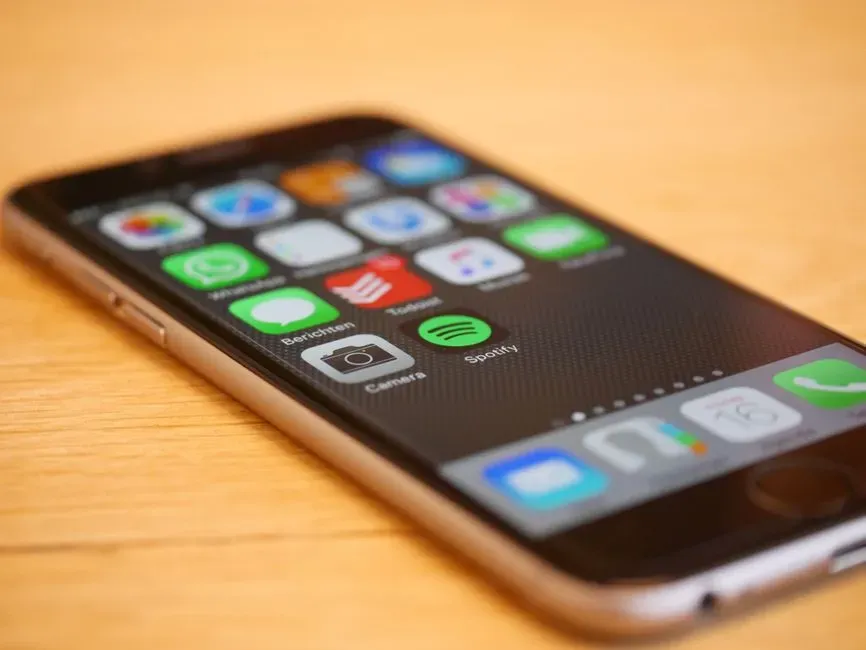
Libby, made by OverDrive, is the app many libraries use for ebooks and audiobooks. You add your library by searching its name and signing in with your card number. After that, you can send titles to a Kindle in the United States if your library supports it, or read inside the app.
Take a few minutes to explore the filters. You can limit results to titles that are available now, which helps if you don’t want to wait. You can also tag books you want later so they don’t disappear from memory.
Place Holds Early and Use the Waitlist Strategically
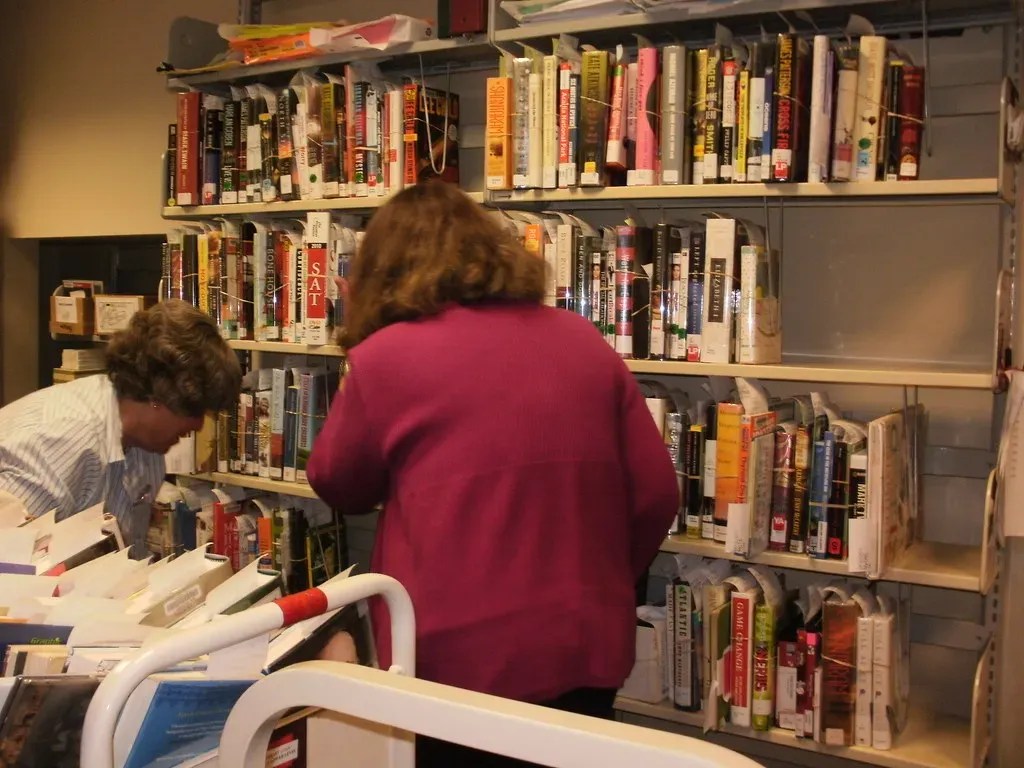
Popular titles can come with long digital waitlists, because libraries license a limited number of copies. Librarians often suggest placing holds on several books at once instead of waiting until you finish your current one. When a copy arrives, most apps let you delay delivery if you aren’t ready.
Print holds work the same way. Ask your branch whether you can request a book from another location and pick it up near home. Few people realize how much of a system’s collection sits on other shelves.
Try Hoopla, Kanopy, and Other Streaming Options

Beyond Libby, many libraries partner with services such as hoopla and Kanopy. Hoopla offers ebooks, comics, music, and video, and it typically lets you borrow instantly with no waitlist. Libraries usually set a monthly borrowing limit, so check yours.
Kanopy focuses on films, including classics, documentaries, and independent releases. Some libraries cap how many titles you can play each month, while others set different rules. Not every library offers these services, so look on your library’s digital resources page.
Borrow Things, Not Just Media

A growing number of libraries lend objects as well as books. Depending on the branch, that can include tools, cake pans, musical instruments, telescopes, or sewing machines. Some systems also lend wifi hotspots or laptops for people without reliable internet at home.
Ask at the desk or search the catalog for “library of things,” since the name varies. Borrowing a drill for one weekend beats buying one you’ll rarely use. Policies on fees, limits, and loan length differ, so confirm before you go.
Use Your Card for Free Passes and Local Perks
Some libraries offer free or discounted admission to museums, zoos, gardens, and state parks. These programs are usually run through local partnerships, so availability depends on your area. Passes may be reserved online or picked up at the desk.
Browse your library’s website for a section on passes or discounts. Popular weekends can book out quickly, so plan ahead. A family outing that would cost real money elsewhere may be free with your card.
Access Research Databases From Home

Libraries pay for subscriptions to databases that would be expensive to buy yourself. These can include newspaper archives, magazine collections, language learning tools, and consumer product reviews. Many allow remote access once you enter your card number.
Some resources, such as certain genealogy databases, may only work inside the library building. Your library’s website should list which databases work off site. Students, job seekers, and curious hobbyists often get the most out of them.
Ask for Help and Recommendations

Librarians are trained to find information, and they generally enjoy being asked. You can request reading suggestions based on books you’ve loved, or ask for help with a school project, a resume, or a tricky search. Many libraries also offer help by chat, phone, or email.
Some libraries run readers’ advisory forms where you list your tastes and receive a personalized set of picks. It’s an easy way to find authors you wouldn’t spot on your own. Services vary, so ask what your branch provides.
Request Titles the Library Doesn’t Own

If your library doesn’t have a book you want, you can often ask for it. Interlibrary loan lets a library borrow items from other libraries on your behalf, sometimes for free and sometimes for a small fee. Delivery can take a week or more, so it suits books you don’t need right away.
Many libraries also accept purchase suggestions, and they use patron requests to guide buying decisions. There’s no guarantee they’ll buy every title, but the form is usually quick to fill out. Check your library’s website for the request page, and read its rules on what qualifies.